
I NEED HELP EDITING MY BOOK
Where Are You in Your Journey?
No two authors take the same path. Choose the stage that fits you best, and we’ll help you move forward.

Learn and Plan

Prepare Manuscript

Design

Print and Ship

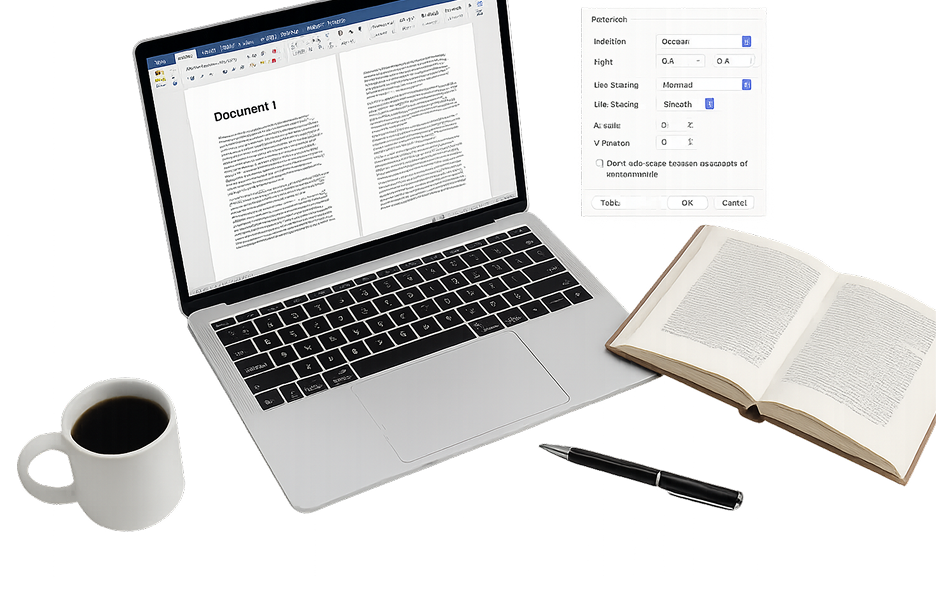
Why Formatting Matters for Your Book
Perfect margins. Clean layouts. Flawless flow. The right formatting turns your manuscript into a professional, print-ready masterpiece readers will love.
Learn MoreTemplates That Make Formatting Easy
Forget the formatting headache. Our ready-to-use book templates take care of margins, layout, and spacing so you can focus on your story.
Learn More

Make Your Files Print-Ready
Printers need a little structure to work their magic. Follow a few simple steps to prepare your files, and your book will be ready for flawless printing in no time.
Learn MoreGet Every Detail Right With Us
Before your book goes to print, make sure your files are ready. With the right margins, fonts, and image setup, you’ll get professional results every time.

Margins and Trim Size
Set your content inside the printable area so nothing important gets cut off. Proper trim sizes and safe margins keep your pages clean and balanced.
- Standard trim sizes: 5x8, 6x9, 8.5x11.
- Leave a 0.25" - 0.5" safe margin inside.
- Use “Mirror Margins” for facing pages.
- Keep all text and design elements at least 0.5" from the edge.

Fonts and Text Setup
Make your book easy to read and professional in every detail. Embedded fonts prevent printing errors and keep your layout consistent.
- Embed all fonts before exporting to PDF.
- Recommended text size: 11-12 pt for body, larger for headings.
- Stick to simple, legible fonts (avoid decorative ones for body text).
- Ensure spacing and alignment are consistent throughout.

Images and Resolution
Crisp, clear images separate amateur prints from professional books. Use high-resolution images so your pages look sharp in every copy.
- Minimum 300 DPI for all images.
- Use CMYK color mode (not RGB) for accurate print colors.
- Avoid stretching or enlarging small images.
- Keep images at least 0.25" from the page edge unless bleeding.

Bleed and Cover Setup
Bleeds ensure that colors and images extend seamlessly to the page edge, avoiding unwanted white borders.
- Add a 0.125" bleed on all sides of your document.
- Export covers as one single spread (front + spine + back).
- Keep text and important details at least 0.25" from the trim line.
- Make sure spine width matches your page count and paper type

File Format and Export
Your final file should be clean, consistent, and ready for upload, so printing goes smoothly from the start.
- Export your files as high-quality press-ready PDFs (PDF/X/1a:2001 preferred).
- Include all pages, even blanks, in the interior PDF.
- Keep cover and interior files separate.
- Check fonts, resolution, and page order before sending.